
Initial Setup
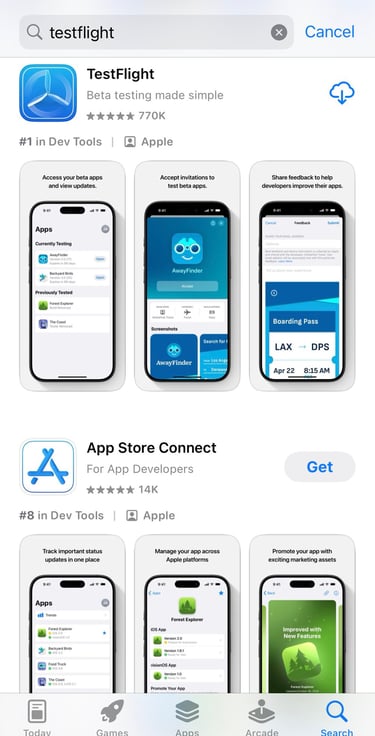
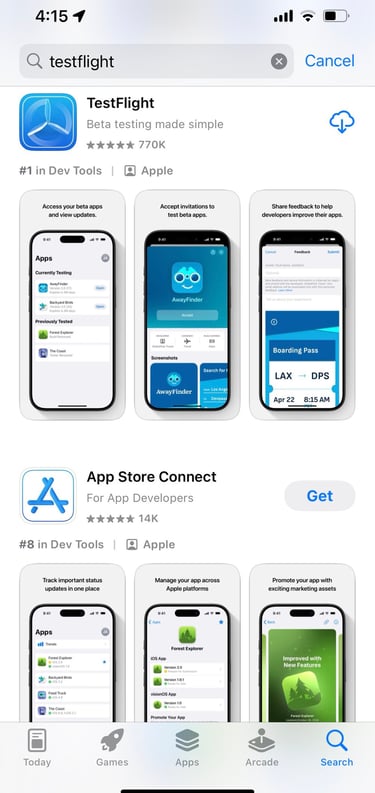
Install TestFlight
Install TestFlight from the App Store.
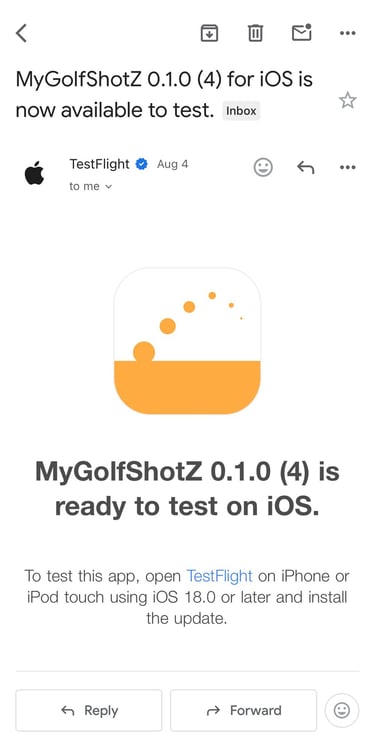
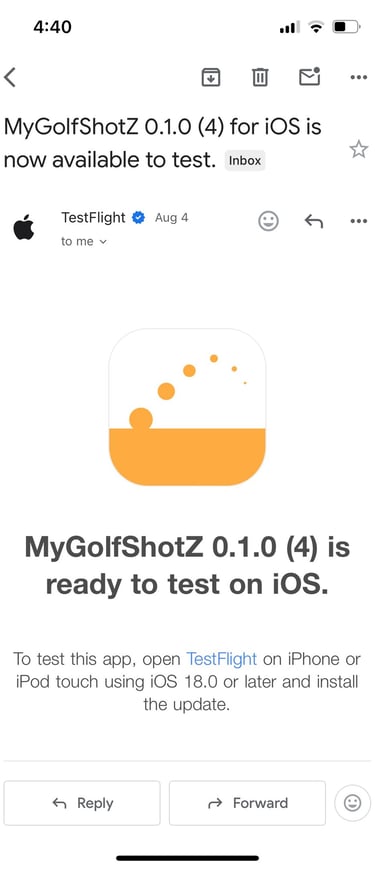
Email notification
You’ll receive an email when a new build is available. Open the link in the email or open TestFlight directly to install.
Set up your clubs
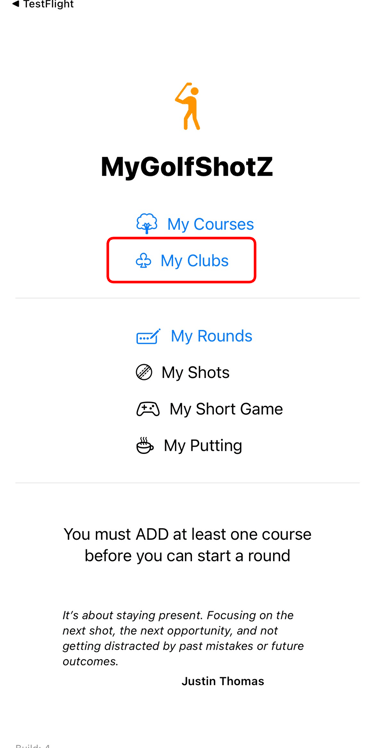
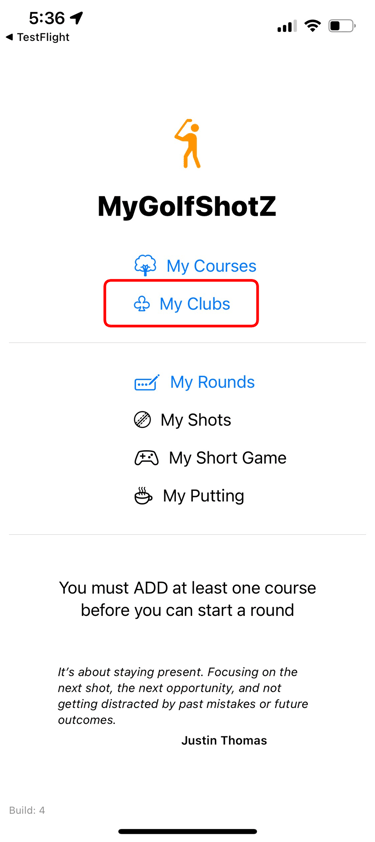
Launch the app and tap My Clubs.
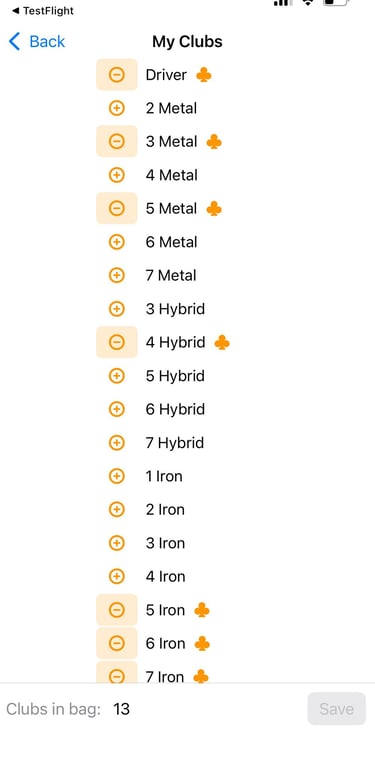
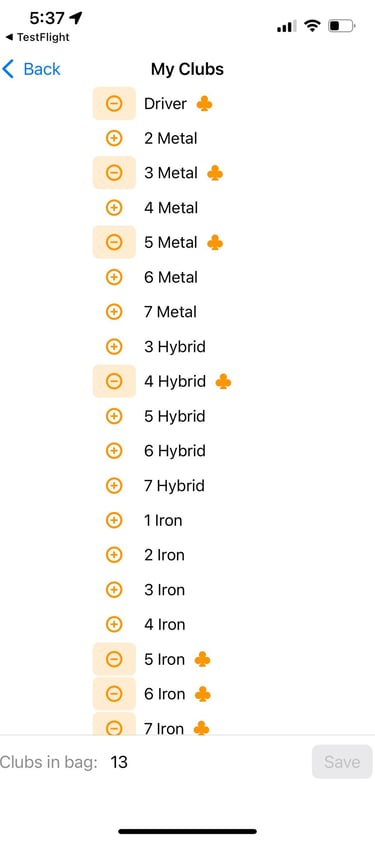
Add/remove clubs
You can choose up to 13 clubs — these will be available when you track shots.
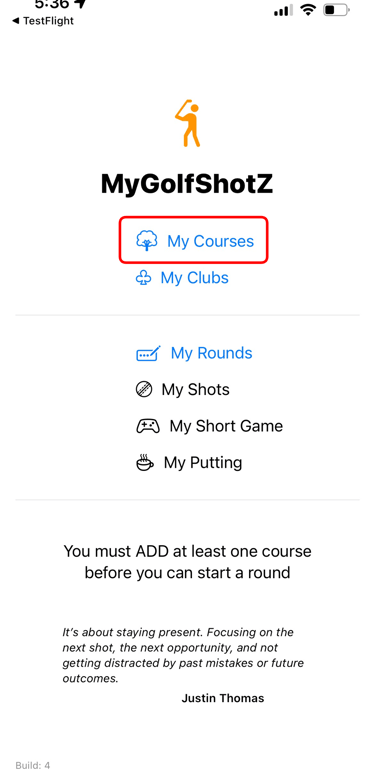
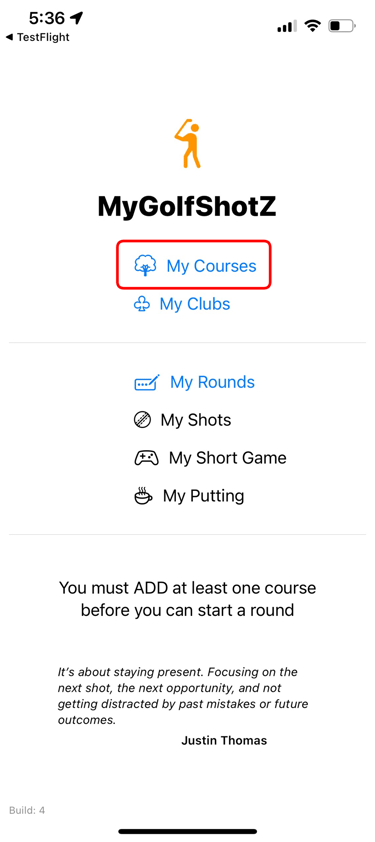
Add at least one golf course
Tap on My Courses.
Add course
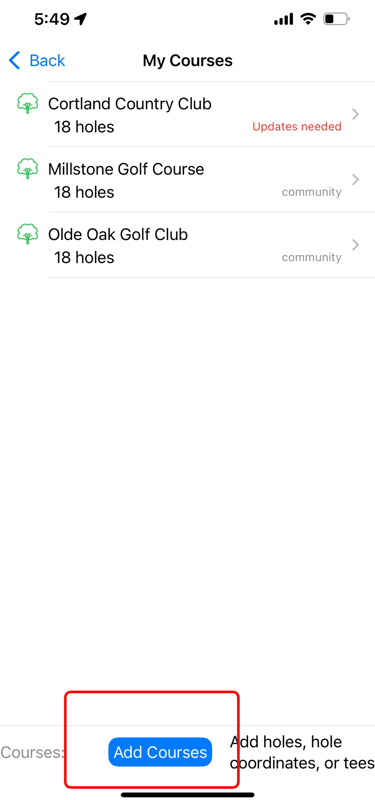
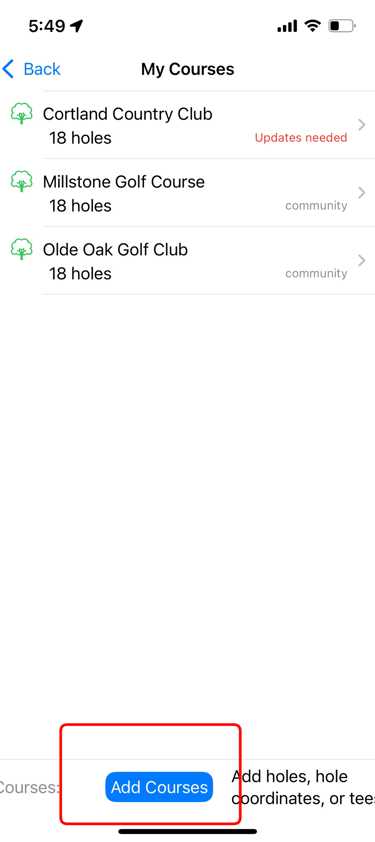
Tap Add Courses at the bottom to open the map.
Add the course
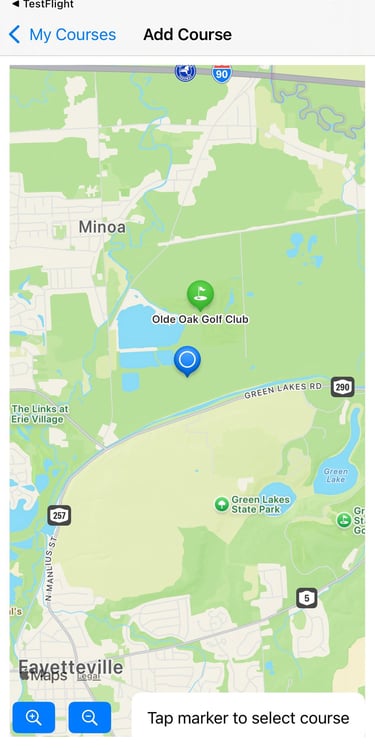
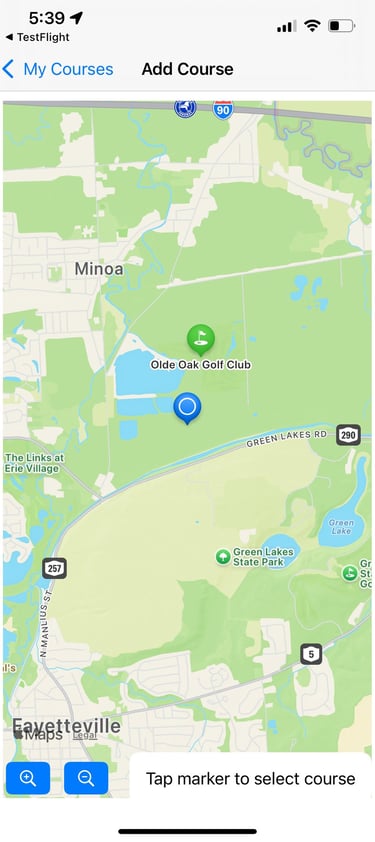
Tap on a course marker to add it to your list.
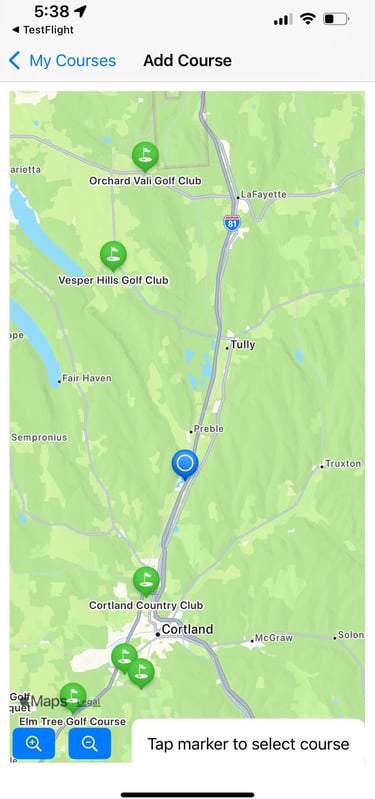
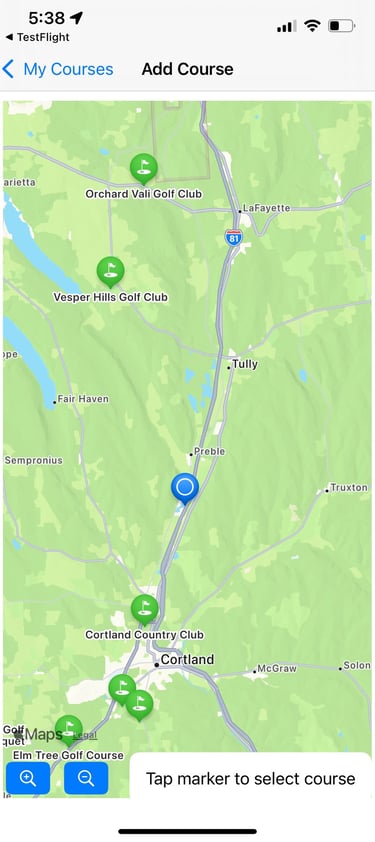
Course not nearby?
Pan the map to that location. Tap once to search the region, then tap the course to add it.
Ready to play
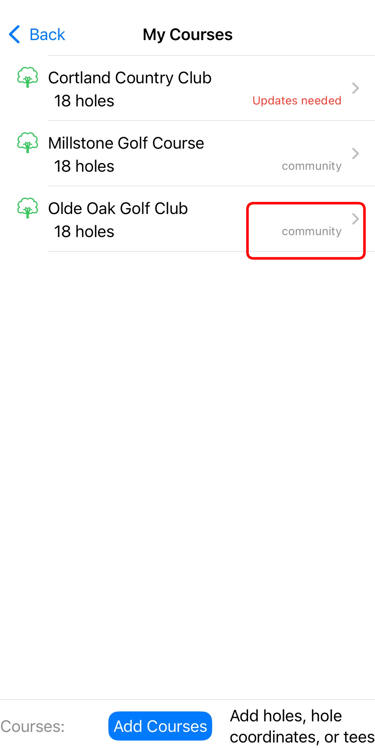
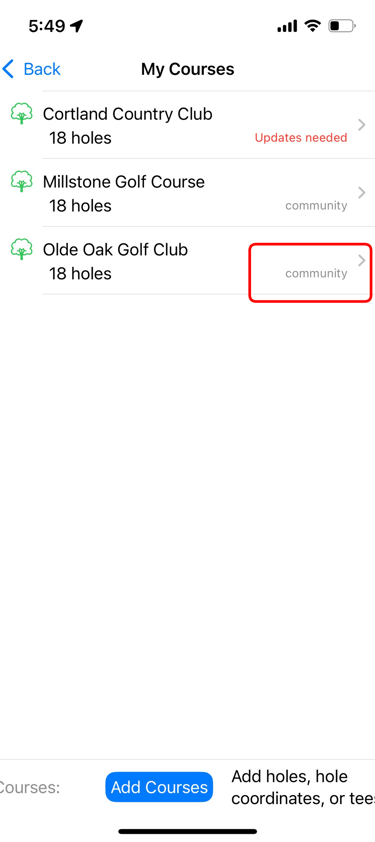
Once you have at least one course labelled Community you are ready to start a round.
If a course says Updates Needed, just let me know — I’ll update it and publish it for everyone.
Tap < Back to return to the MyGolfShotZ home screen.
MyGolfShotZ
Easily track and rate your golf shots.
© 2025. All rights reserved.
Ensemble Software LLC